Tinkering with Microcontrollers
Over the past few months, I started to purchase a few microcontrollers such as the Raspberry Pico 2 and 2W and the ESP8226 NodeMCU. Having little knowledge about such devices, I started off by flashing Micropython into my Raspberry Pico 2, and following off a video on Bad USBs by Network Chuck. However, it wasn't something I really needed and I ended up leaving the microcontrollers aside for a while. Eventually I picked it up again as my interest peaked, and I wanted to learn more about interfacing other hardware with these microcontrollers.
LCD Displays
It took me a while to understand the concept of I2C (Inter-Integrated Circuit) and SPI (Serial Peripheral Interface), which are communication protocols for integrating microcontrollers and other peripherals like sensors, diplays and memory devices. I purchased the SH1106 1.3" I2C OLED display from Adafruit and the ST7789 1.3" IPS LCD display with an SPI interface. While working on the ST7889, I also attempted to compile a Micropython firmware for the Raspberry Pico for a native ST7789 support.
Mini Projects
Telegram “Pager”
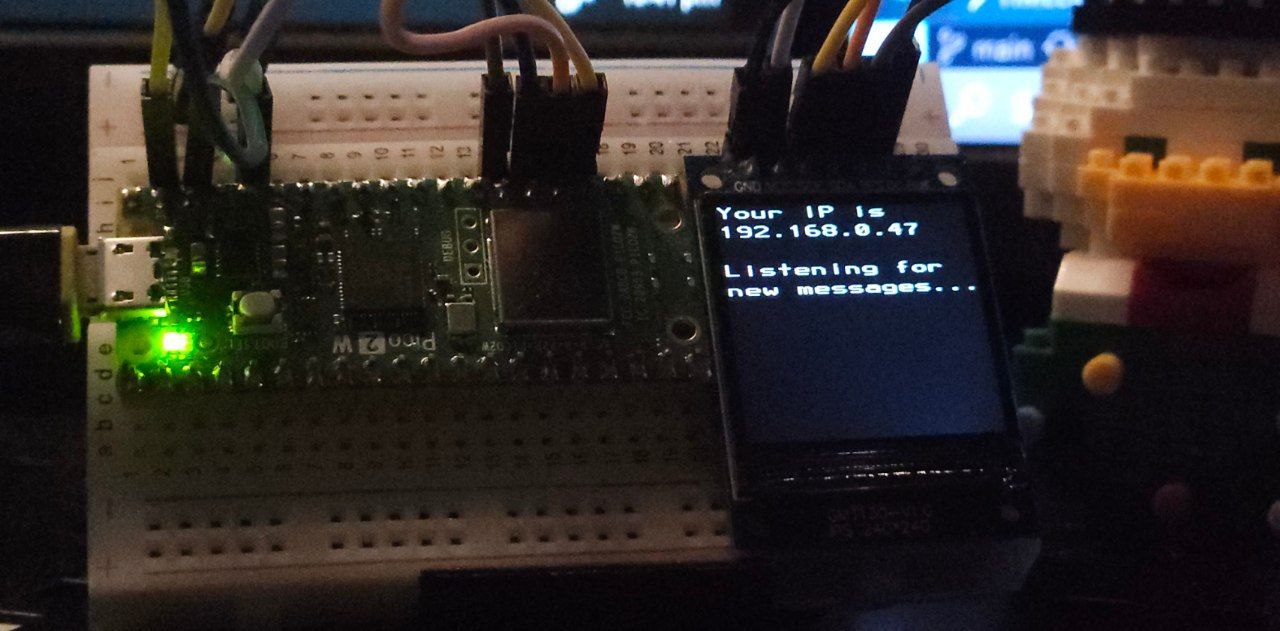 While playing around with the Raspberry Pico 2W and the Micropython library, I ran an API from Jordi Prats on the microcontroller to receive text messages sent to my Telegram bot, before displaying it on a ST7889 SPI display.
It was an opportunity to learn the usage of SPI libraries, and even compiling a Micropython firmware with the ST7889 support using its SDK. You can see the project here.
Pico Macro Deck
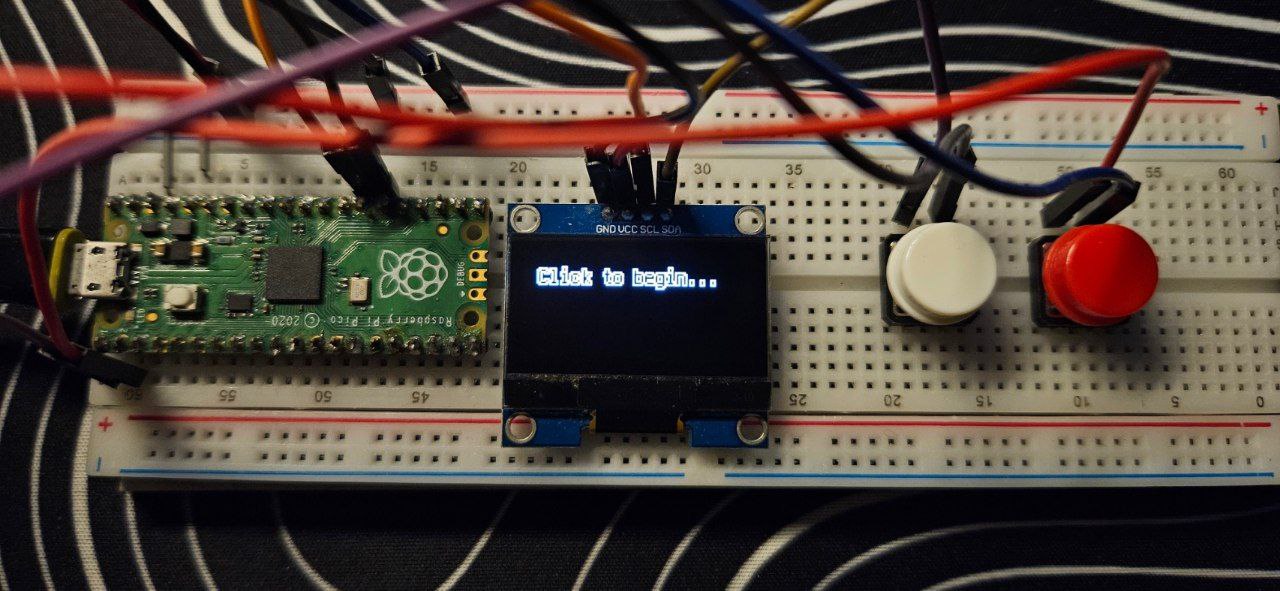 I also experimented with the Raspberry Pico 2, which does not have built-in WiFi support, with a Circuitpython firmware. Using Circuitpython’s HID library, I built a simple Macro deck that allows me to send custom keystrokes to the computer connected to it. I used a SH1106 display and some buttons so that I could cycle through which macro I wanted to execute before running. You can see the project here.